
Your work. Ready to share.
Turn your screenshots into polished, shareable compositions—right on your device.
Windows coming soon · Mac not available yet
Fintech · 1, 1 of 6
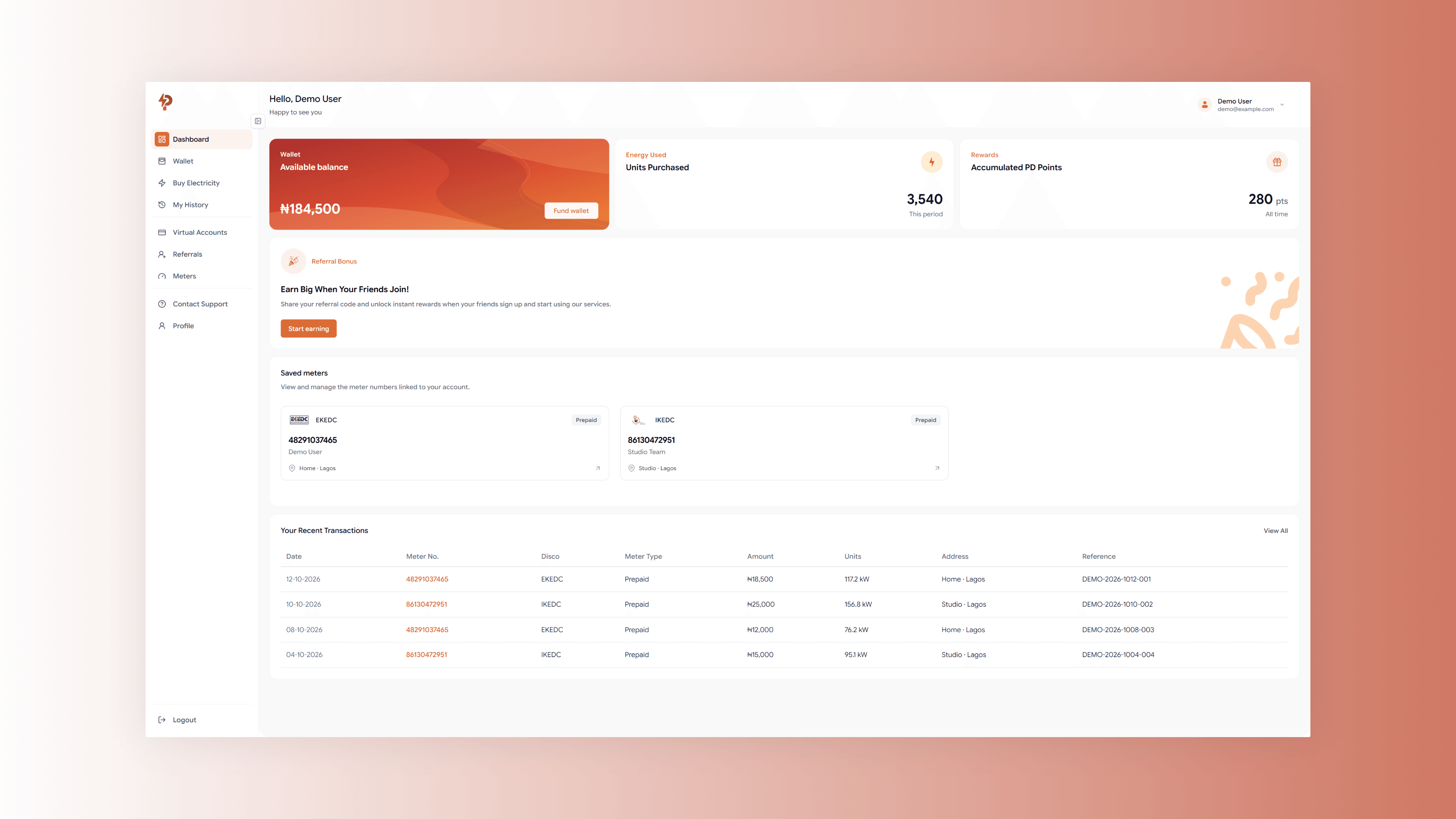
- Fintech · 1. A Powerdeals fintech dashboard arranged as a single composition.
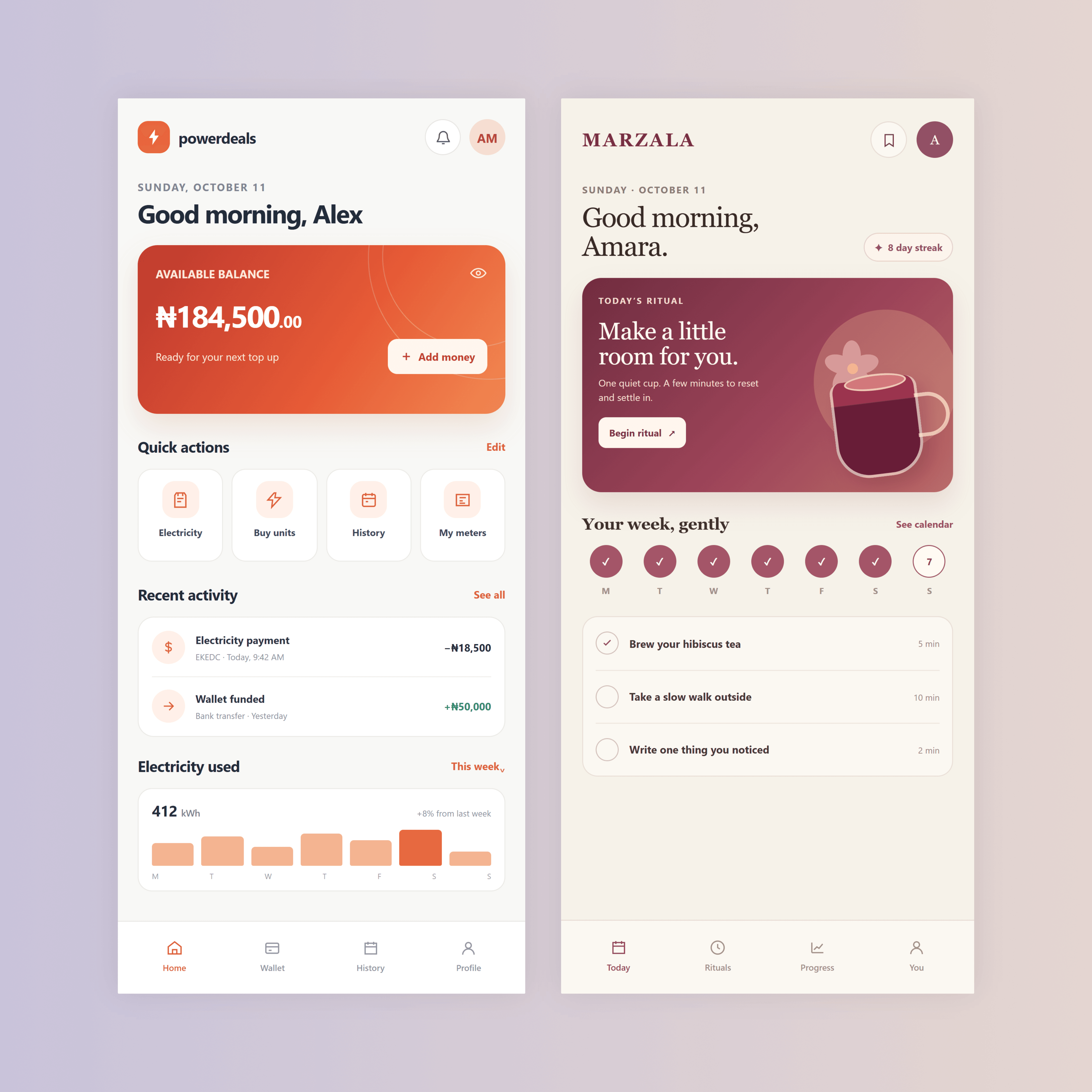
- Mobile · 2. Two mobile app screens arranged together on a square canvas.
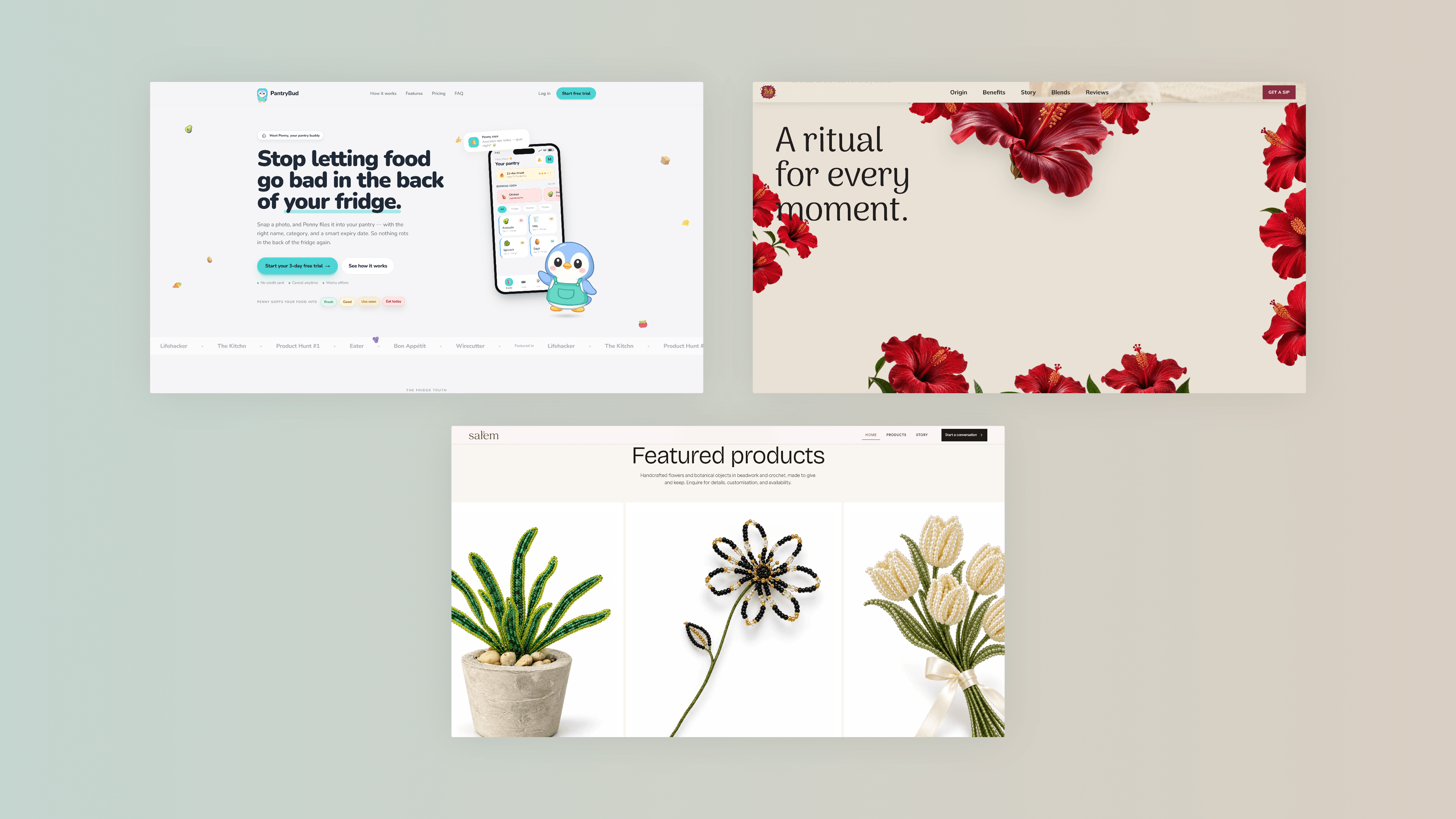
- Product · 3. Three product and brand design screens arranged in one composition.
- Artwork · 1. A stone arch opening onto a warm evening sky, composed as portrait artwork.
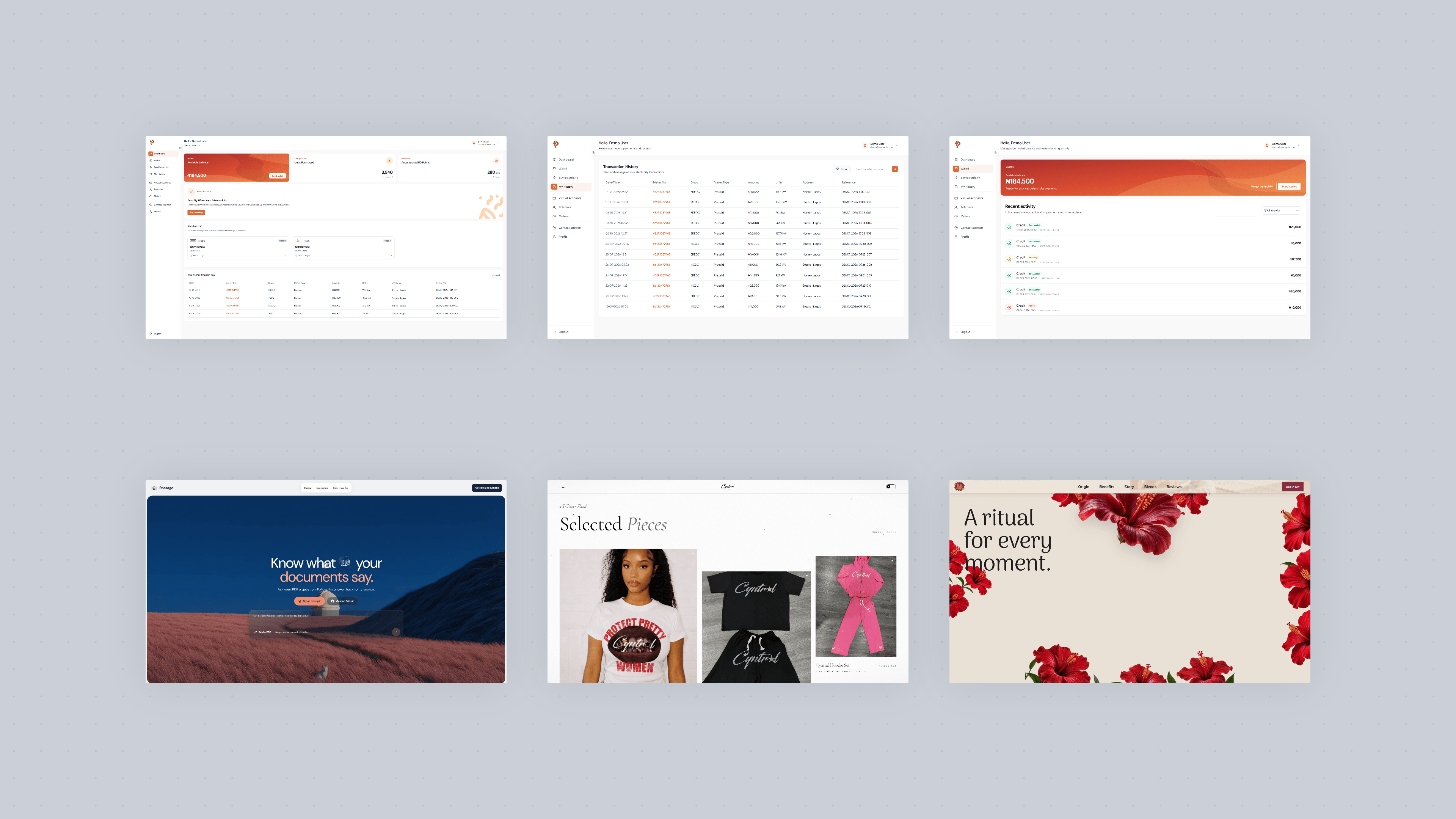
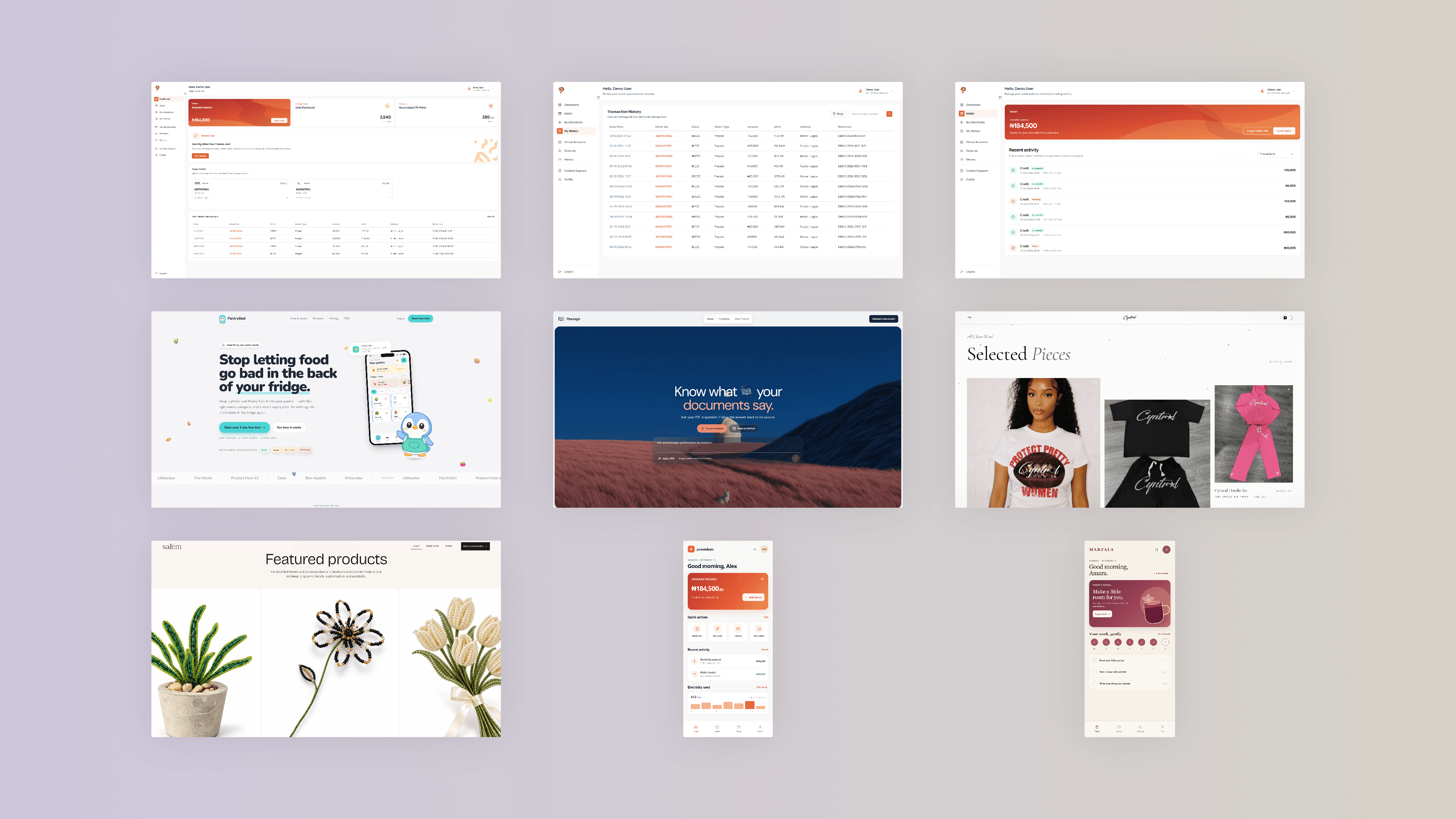
- Design · 6. Six distinct web and product design screens arranged in a grid.
- Design · 9. Nine distinct web and product design screens arranged in a grid.
Select. Right-click. Compose.
File Explorer
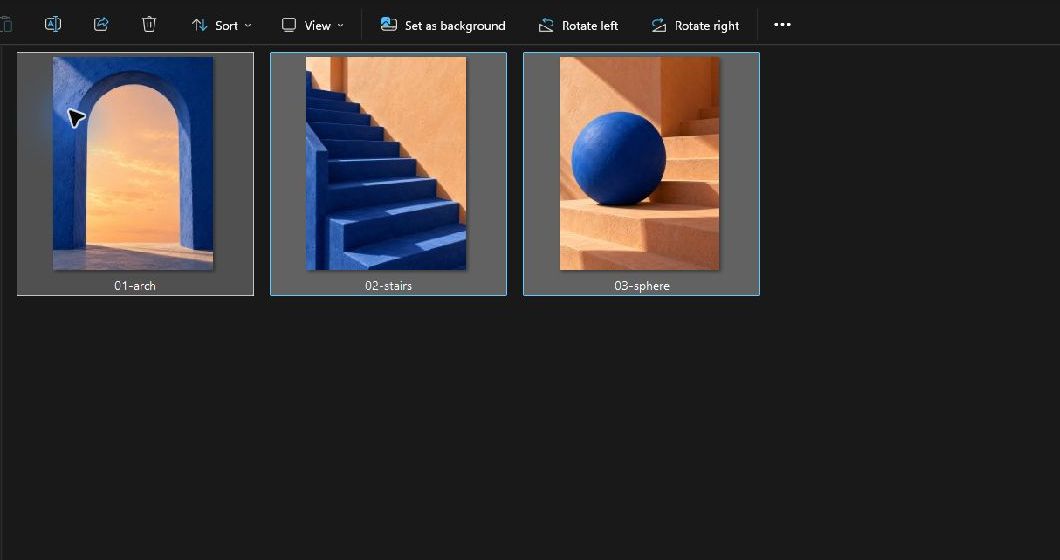
Select the image files.
Choose the screenshots you want to bring together in File Explorer.
Set the frame. Choose the finish.
PNG output3,840 × 2,160
A few ways to bring work together.

Built with
- .NET
- C#
- Next.js
- React
- TypeScript
- GitHub


